Fun things I have learnt: HTML and CSS (h1)

There are 6 differnt level of heading decreasing with size and it goes from 1 - 6 (this is h2)

This is a paragraph for basic text(h3)

There are many ways to Change the way text looks using css such as changing the colour, Font size, Font Family and text decoration such as Underlining with a straight line, a wavy line or add a purple wavy line to orange text. One can also add a line through the text, make it bold, highlight a text to make it stand out or even add a shadow to the text of a different colour. The possibilites are endless with how one can decorate their text to suit their need.

For someone wanting to link another webpage to a certian word or even an image they can turn in into a hyper link (both the text and image below will take you to the home page)

HOME PAGE
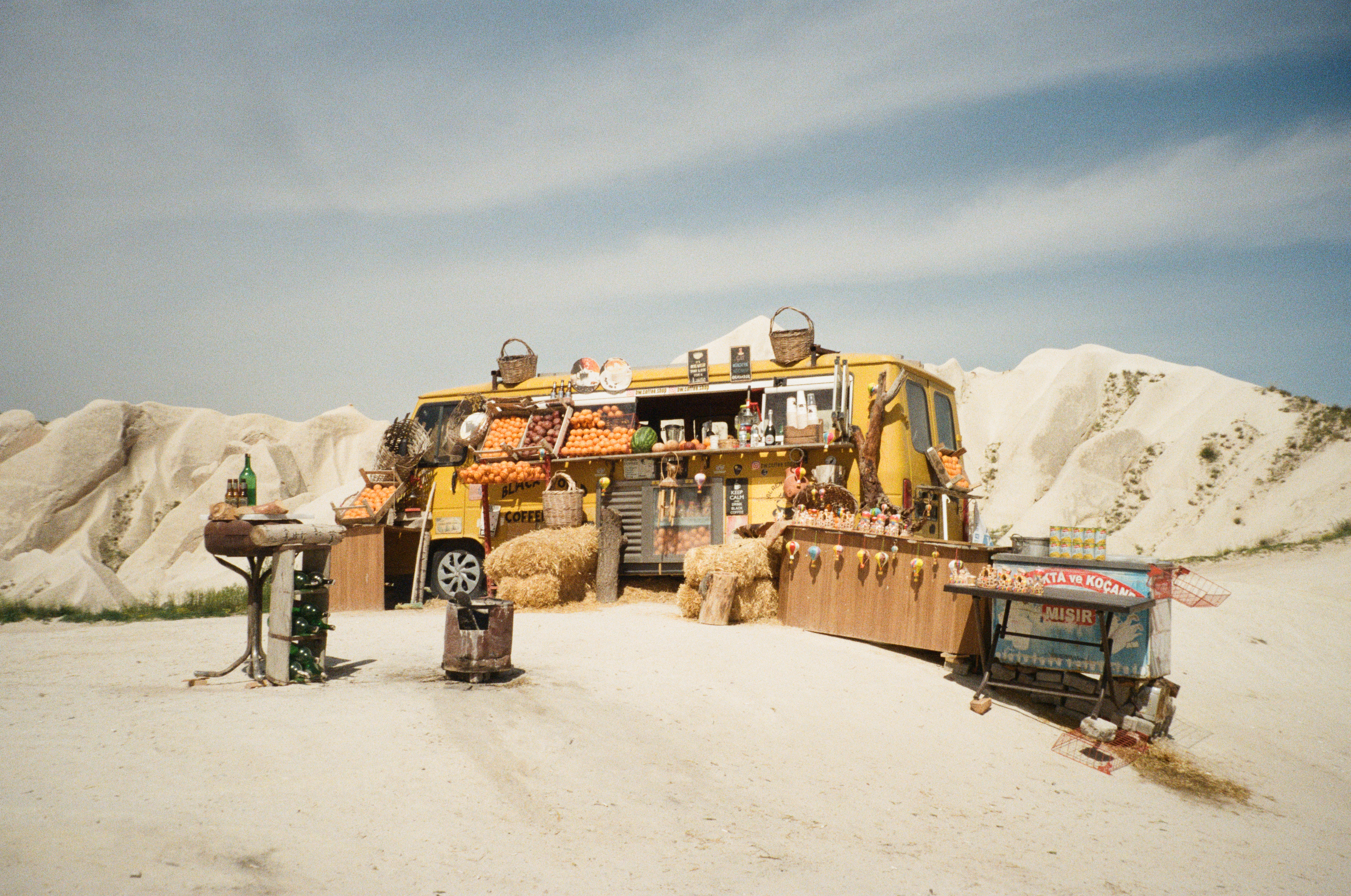
bus

Table

Heading r 1 Heading 2 Heading 3
each box of
the table can
be edited seperatly

Lists

    An ordered list
  1. first item
  2. Second
  3. Third item
  4. fourth item

Backgrounds

Example of coloured backgrouds


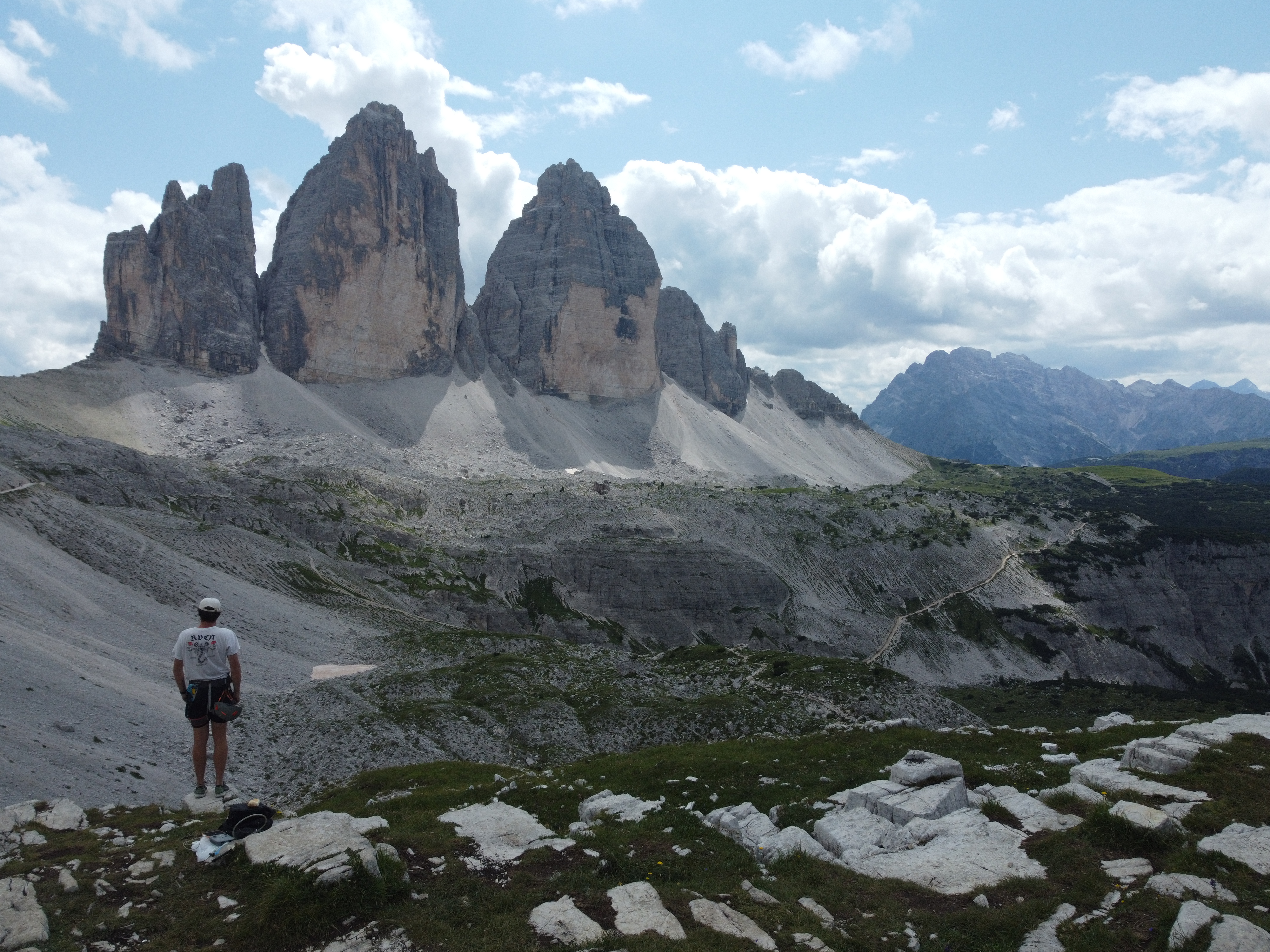
You can also use an image as a bacground by usking the opacity feature

hiking

Forms

The use of forms is a great way for users to be able to submit useful information for the website owner to receive

This allows someone to enter a date for purposes such as their Date of Birth:

This allows one to rate something or select a range:

Forms can also be used to allow users to contact the onwer of the Website, leave their details or even make passwords.

Name: email adress: password:

A comments section is helpful to leave feedback


or even drop boxes to allow users to select an option

best time to call

or the ability to ustilie multiple choice

I like:

Or the Ability to select a spacific colour

choose colour

Or a simple yes or no answer

Subscribe?

In order for information you need a button such as the one below to submit the information that was entered.